
Download DupeNuker – Efficient Tool to Remove Duplicate Files on Your Smartphone
Overview
DupeNuker is a mobile utility application designed to help users reclaim valuable storage space by identifying and removing duplicate files across multiple formats. The app targets individuals who manage large volumes of digital content—such as photos, videos, documents, and other common file types—on their smartphones. By scanning the device’s internal storage and external memory, DupeNuker detects redundant files that may be consuming unnecessary space without the user’s awareness. This functionality is particularly useful for users with limited device storage, frequent media creators, or those who regularly transfer files between devices.
The app serves as a practical solution to the growing problem of digital clutter, which can slow down device performance and reduce available capacity over time. While the developer did not provide additional background information, the app’s purpose aligns with the broader ecosystem of productivity and system optimization tools. Real-world use cases include cleaning up duplicated photos from backups, removing redundant downloads, and organizing shared files from cloud syncs. DupeNuker contributes to a more efficient digital environment by promoting data hygiene and helping users maintain faster, more responsive devices.
Key Features & Functionality
- Comprehensive File Detection: DupeNuker scans across various file types including images, videos, documents, and other common formats to identify duplicates. This broad detection ensures that no redundant file is overlooked during the scanning process.
- User-Friendly Interface: The app features an intuitive layout with clear navigation, making it accessible for users of all technical levels. Simple on-screen prompts guide users through each step, minimizing the learning curve.
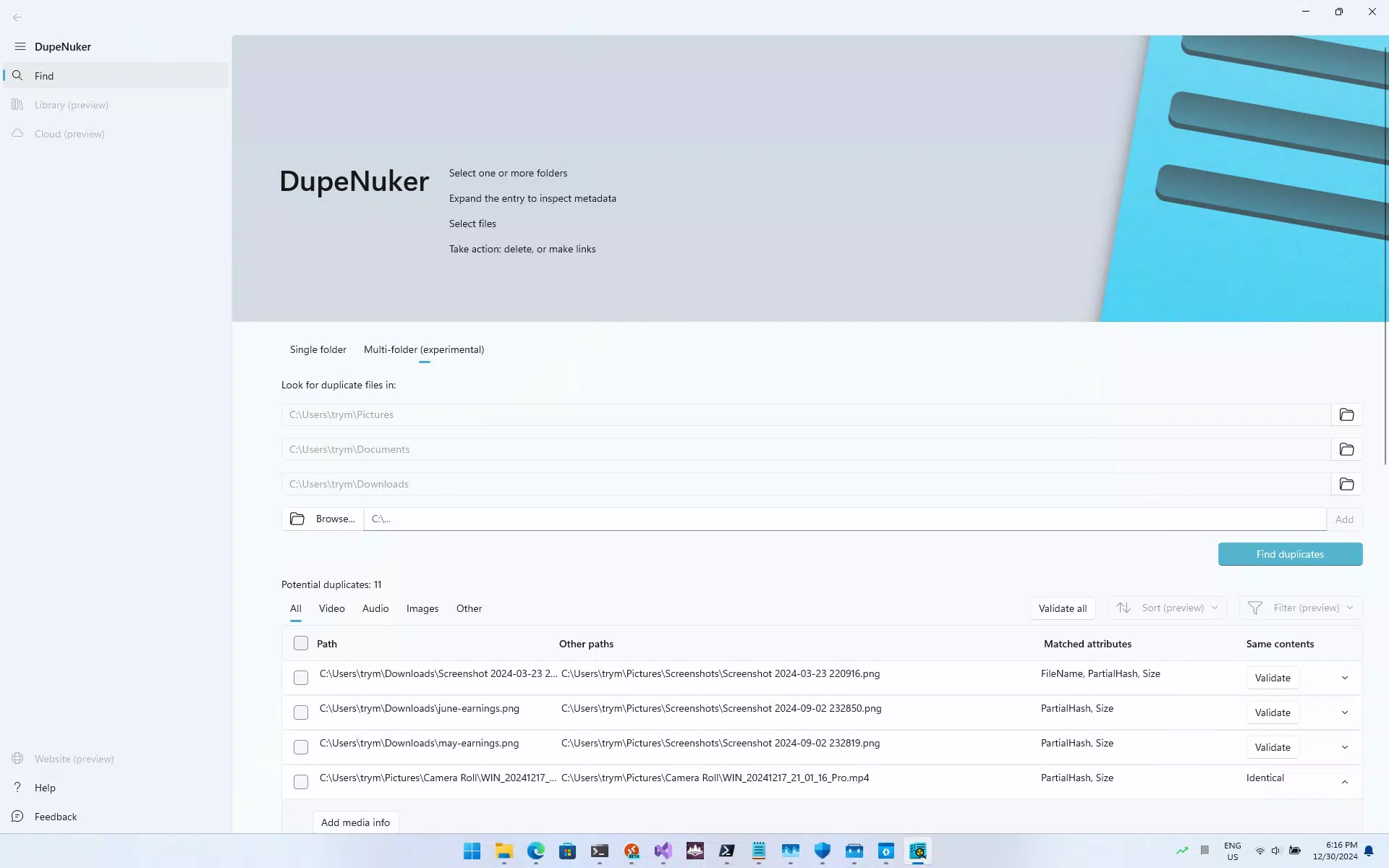
- Time-Saving Batch Processing: Users can initiate bulk scans across multiple folders or storage locations simultaneously. This capability streamlines the deduplication process, especially when dealing with large collections of files.
- Customizable Search Options: The app allows users to filter scans by file type, size range, and modification date. This level of control enables precise targeting of duplicates based on individual needs.
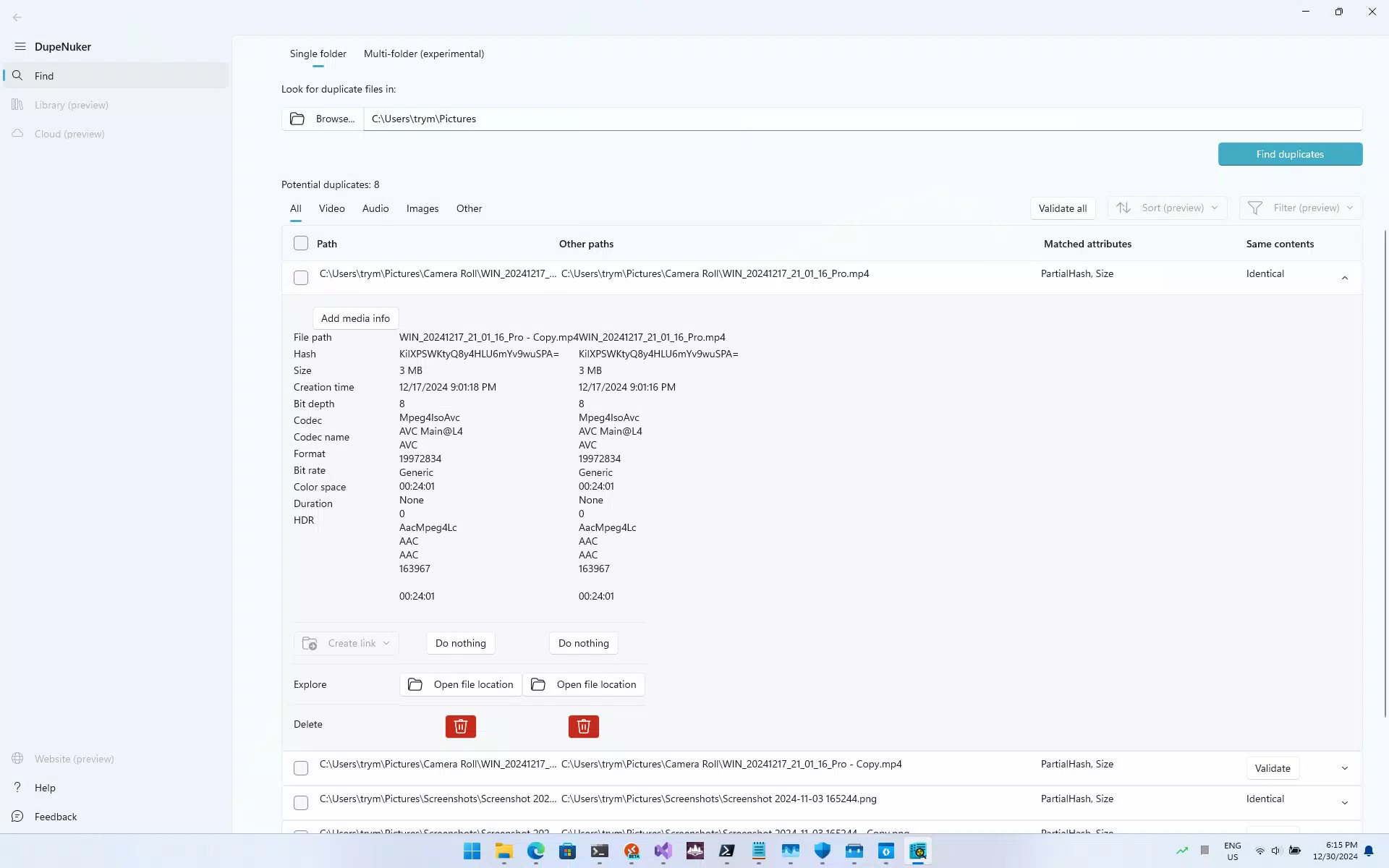
- Safe File Recovery: Duplicate files are not permanently deleted by default. Instead, they are moved to a temporary recovery folder, allowing users to review and restore any files they may have mistakenly flagged.
For example, a user who has imported hundreds of photos from a recent trip may discover that several duplicates were created during transfers. With DupeNuker, they can quickly scan the photo directory, filter by image files, and safely remove duplicates without risking data loss. Similarly, a student managing research documents can use the app to eliminate repeated versions of the same PDF, freeing up space for new materials.
Interface, UX & Performance
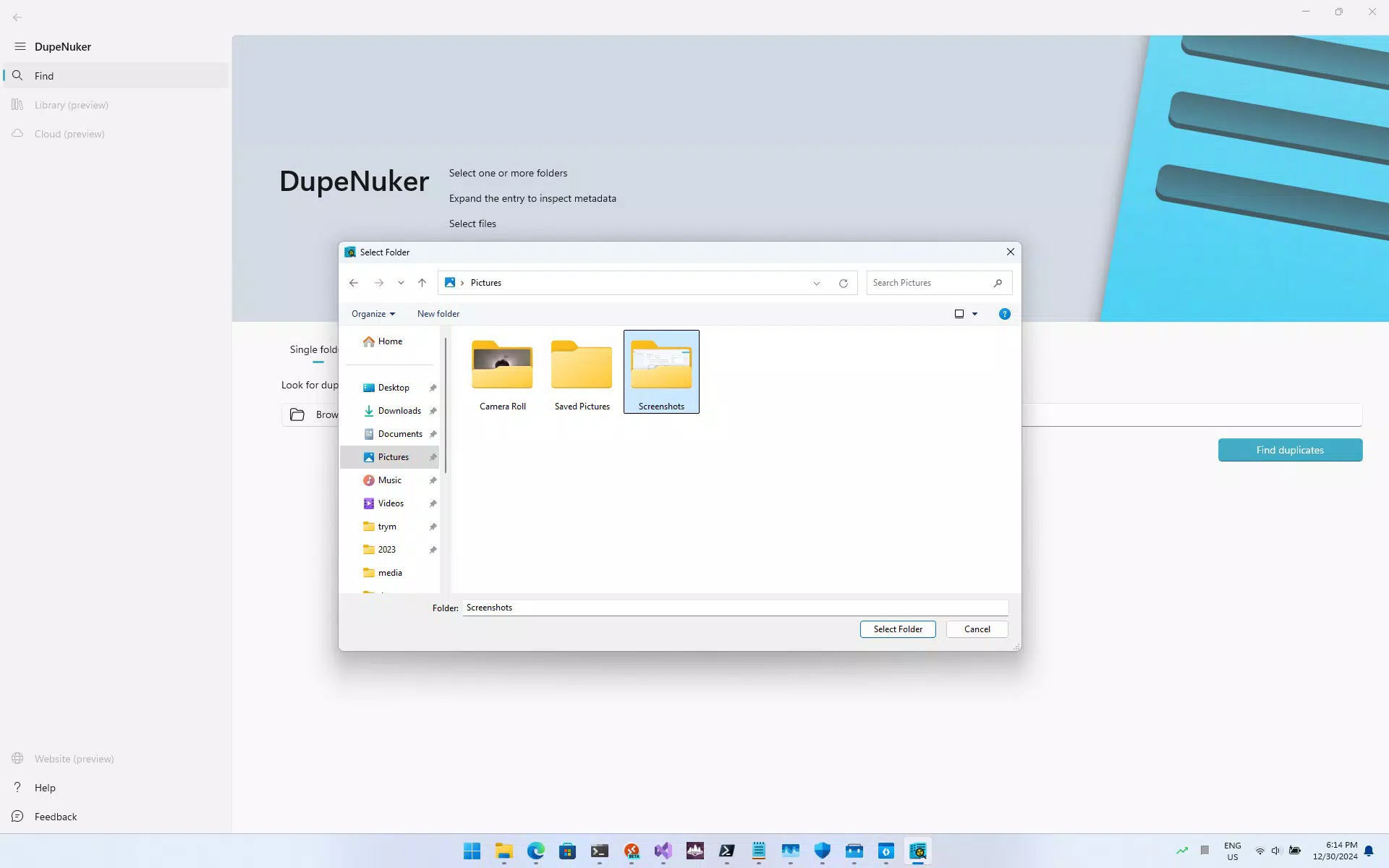
The user interface of DupeNuker is designed with clarity and simplicity in mind. Navigation follows a linear flow, guiding users from the initial scan setup to the final review and deletion phase. Visual indicators such as progress bars and file count summaries enhance transparency during the scanning process. The layout remains consistent across screens, reducing cognitive load and supporting efficient interaction.
Although the developer did not list formal performance metrics, the app appears optimized for smooth operation on mid-to-high-end smartphones. Users can expect responsive interactions, minimal lag during scans, and stable behavior across different screen sizes. The app maintains a lightweight footprint, which contributes to efficient memory usage and battery conservation. While specific performance data on older or low-end devices was not disclosed, the design suggests compatibility with a wide range of Android and iOS devices.
Stability is maintained through the use of a temporary storage system for flagged files, preventing accidental data loss. The app does not require root access or extensive permissions, which enhances both security and usability. Overall, the UX experience is streamlined and focused on delivering results without unnecessary complexity.
Platform Compatibility & Technical Requirements
DupeNuker is available for both Android and iOS platforms, supporting modern versions of each operating system. The app has a file size of 18.4 MB, which is relatively compact for a utility tool with scanning and file management capabilities. This size suggests efficient code structure and minimal bloat, making it suitable for installation on devices with limited storage.
Although the developer did not specify minimum OS requirements or hardware specifications, the app is designed to function on standard smartphone configurations. Users should ensure their device is running a current version of the operating system to benefit from optimal performance and security updates. Compatibility with external storage (SD cards) was not fully disclosed, but the app’s ability to scan multiple directories implies support for expandable memory.
Pros and Cons
Pros
- Efficient detection of duplicate files across multiple formats
- Intuitive interface suitable for beginners and experienced users
- Safe removal process with temporary recovery folder
- Batch processing for faster scanning of large file sets
- Customizable search filters for targeted deduplication
Cons
- Developer did not provide detailed system requirements
- Specific compatibility with older devices was not confirmed
- No cloud backup integration mentioned
- Limited information on automatic update frequency
- File recovery process may require manual review
FAQ
Is DupeNuker safe to use on my smartphone?
Yes, the app is designed with user safety in mind. Duplicate files are moved to a temporary recovery folder instead of being permanently deleted, allowing users to review and restore files if needed.
Can I use DupeNuker to remove duplicates from my SD card?
The app supports scanning of internal storage and external memory directories. While specific SD card compatibility was not detailed, the app’s file system access suggests it can detect duplicates across connected storage devices.
Does DupeNuker require root access or special permissions?
Based on available information, the app operates without requiring root access. It uses standard file system permissions to scan and manage files, minimizing security risks.
How often should I run a duplicate scan?
Users can run scans as needed, especially after transferring large numbers of files or when noticing reduced device performance. Regular maintenance every few months is recommended for optimal storage management.
Is there a free version of DupeNuker available?
The app’s pricing model was not disclosed in the provided information. Users should check the app store listing for details on free vs. paid versions, in-app purchases, or subscription options.
Final Thoughts
DupeNuker stands out as a reliable and user-centric tool for managing digital clutter on mobile devices. Its combination of powerful file detection, customizable options, and a safe removal process makes it a valuable asset for anyone seeking to optimize their smartphone’s storage. Whether you're a casual user with a growing photo library or a professional managing multiple documents, DupeNuker delivers tangible benefits without compromising data integrity.
The app’s clean interface and efficient workflow ensure a stress-free experience, even for those unfamiliar with file management tools. With its compact size and broad compatibility, it’s well-suited for both everyday use and periodic maintenance. For users who value organization, performance, and peace of mind, DupeNuker offers a smart solution to a common digital challenge.
Download DupeNuker now


